Meeting Rooms
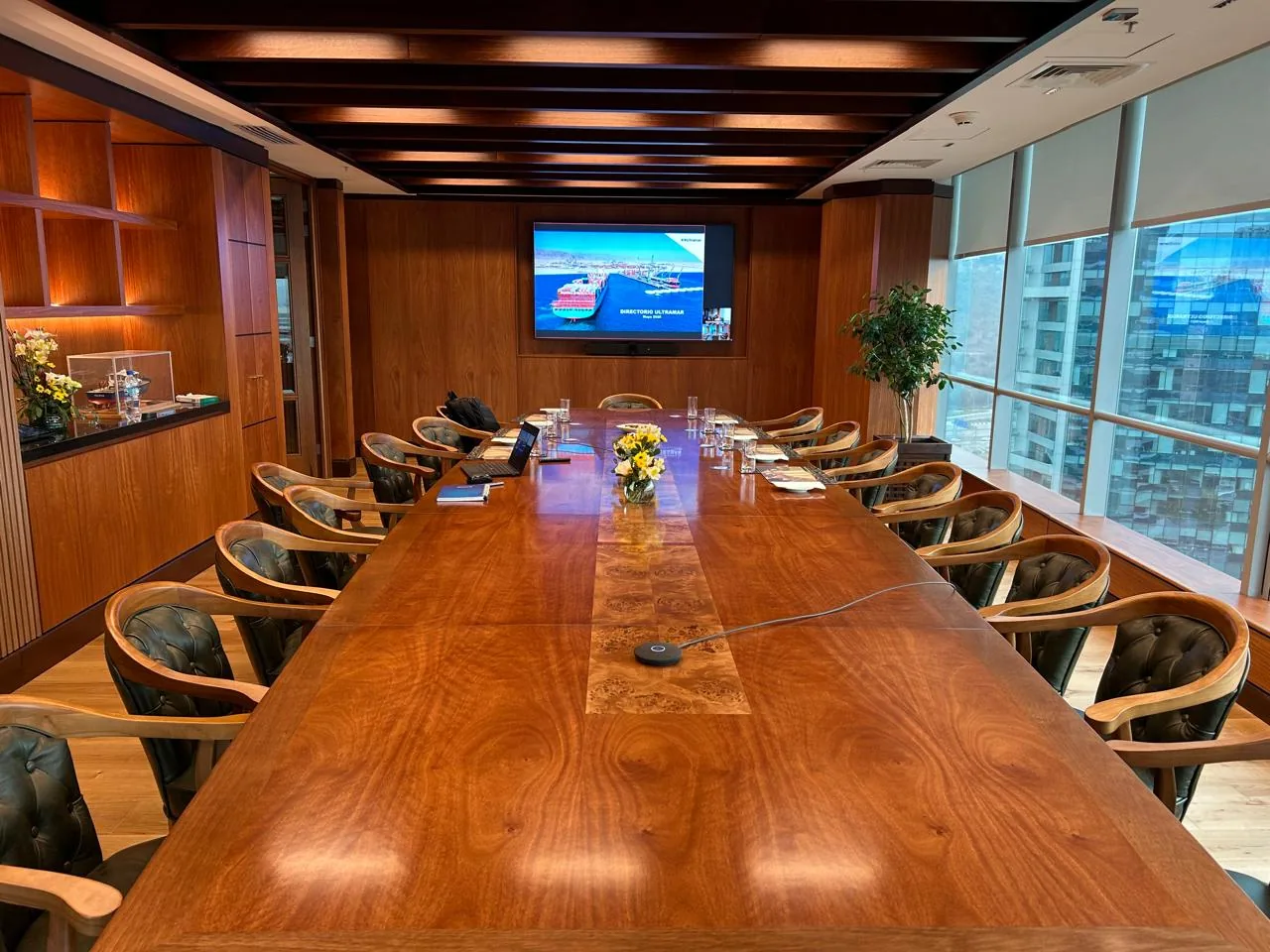
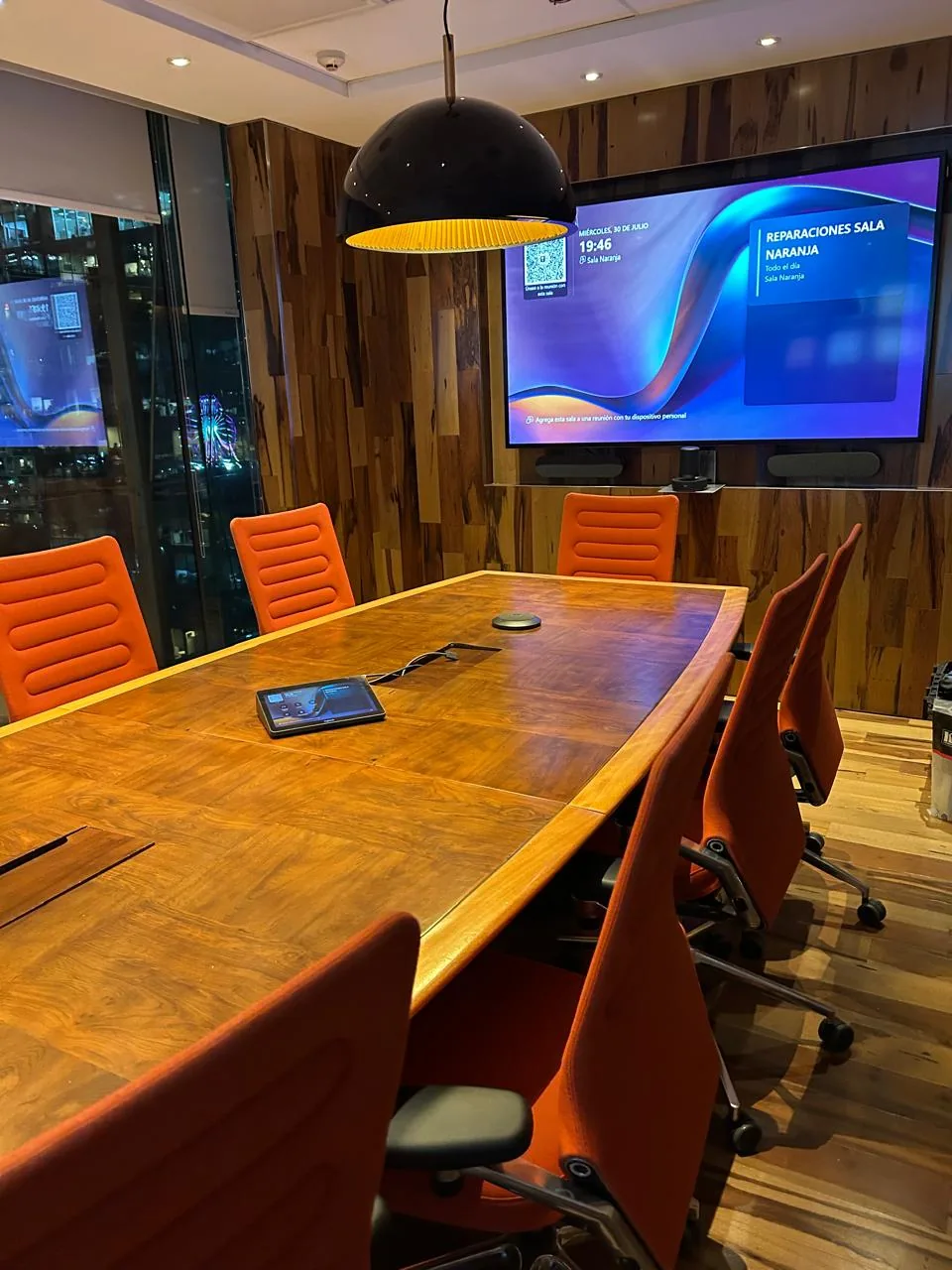
Management, committee, boardroom. Audio that covers the entire table, auto-framing camera, wireless presentation. Five real configurations already implemented.
Not all spaces serve the same purpose. We design and integrate each one — meeting room, training room, or auditorium — based on its actual use, not a standard hardware catalog.
A management room, a training room, and an auditorium do not solve the same problem. Each has a different size, use type, and number of participants, and that determines the microphone, camera, and presentation method — not a generic catalog.
Companies in the Microsoft 365 or Zoom ecosystem that need more than one type of physical space up to the standard of their meetings, training, or events.
Each category has its own design logic, its own case portfolio, and its own technical specifications.
Management, committee, boardroom. Audio that covers the entire table, auto-framing camera, wireless presentation. Five real configurations already implemented.
Spaces designed for groups: audio coverage for the entire room, camera that follows the facilitator, and when needed, session recording.
Multiple PTZ cameras, amplification system, and control from the technical booth. For events, talks, and large audiences.
The exact brand and model are defined during the assessment based on the space, budget, and video conferencing platform. What does not change is the criterion: we only integrate manufacturers we work with directly.
Logitech, Cisco, Hikvision. From auto-framing cameras for small rooms to motorized PTZ cameras for auditoriums and large spaces.
Nureva, Jabra. Room-coverage microphones and speakers: no audio blind spots, no echo, no remote participants missing what is said anywhere in the space.
Barco. Cable-free presentation from any device, without installing additional software or depending on a perfect network connection.
Maxhub. All-in-one displays with integrated camera, microphone, and speaker: a single unit that simplifies installation and support.
Certified platforms: Microsoft Teams Rooms and Zoom Rooms. Need a different brand or specific certification? Mention it in the contact form and we will evaluate it during the assessment.
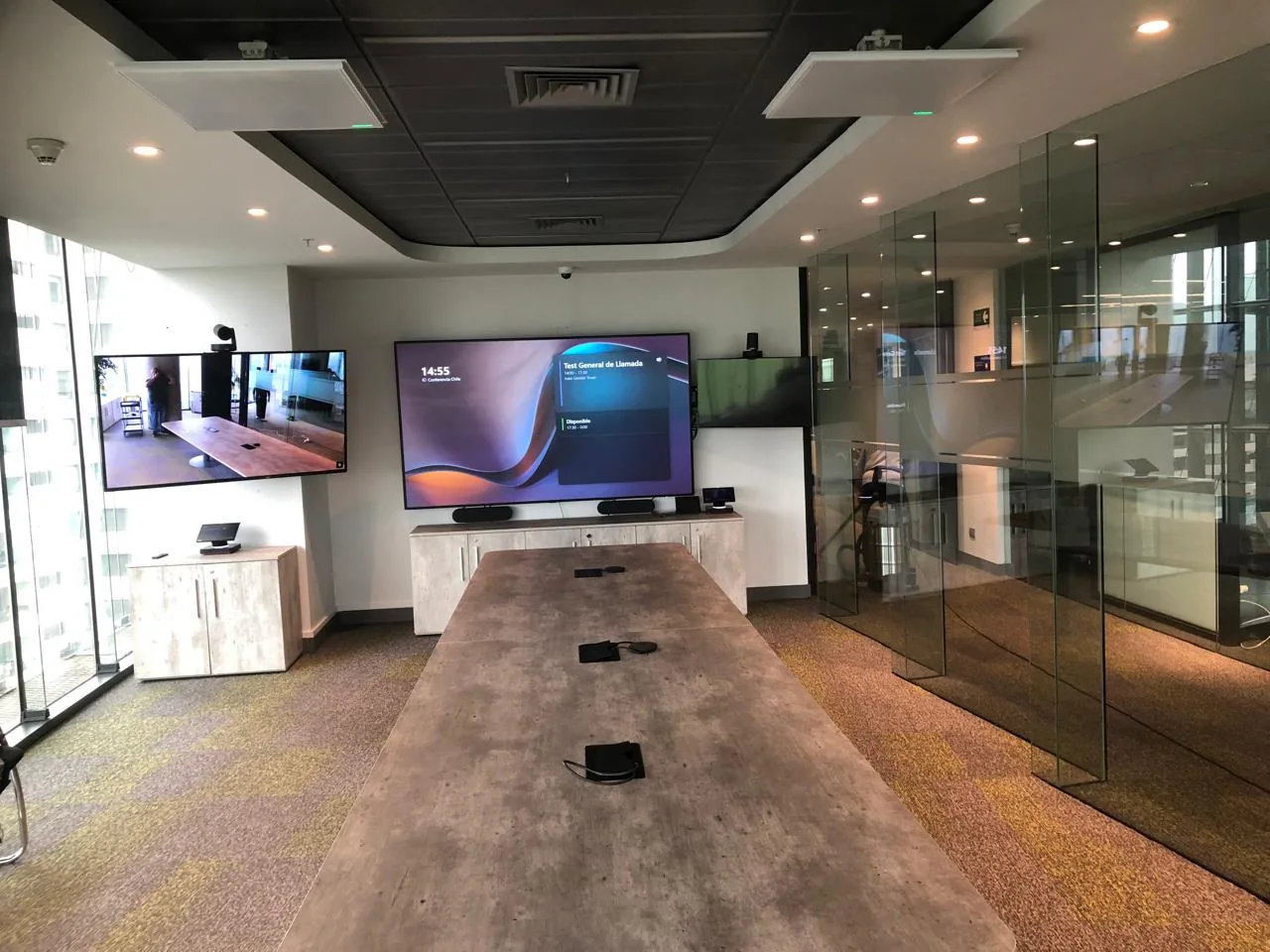
Meeting rooms, boardrooms, training rooms, and auditoriums we have designed and integrated — equipped with Teams Room, professional microphones, and centralized control.
We work with the leading audiovisual and enterprise video conferencing manufacturers — hardware certified for Microsoft Teams and Zoom Rooms.




 Yealink

 Neat
Neat
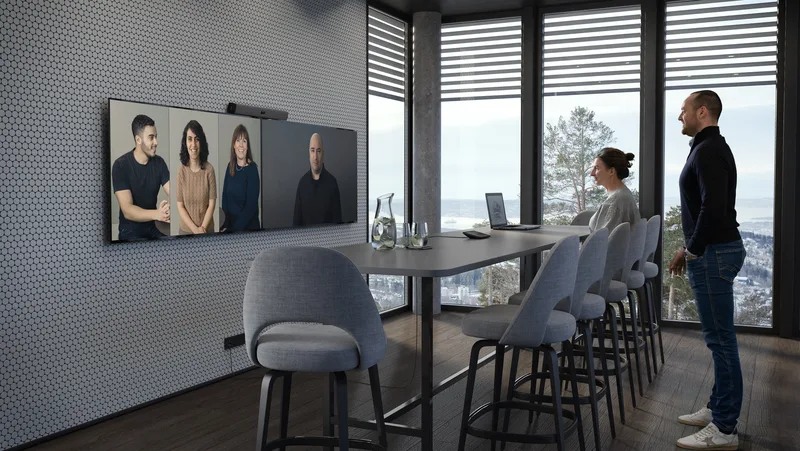
All-in-one AI bar for medium rooms. Compatible with Microsoft Teams and Zoom Rooms.
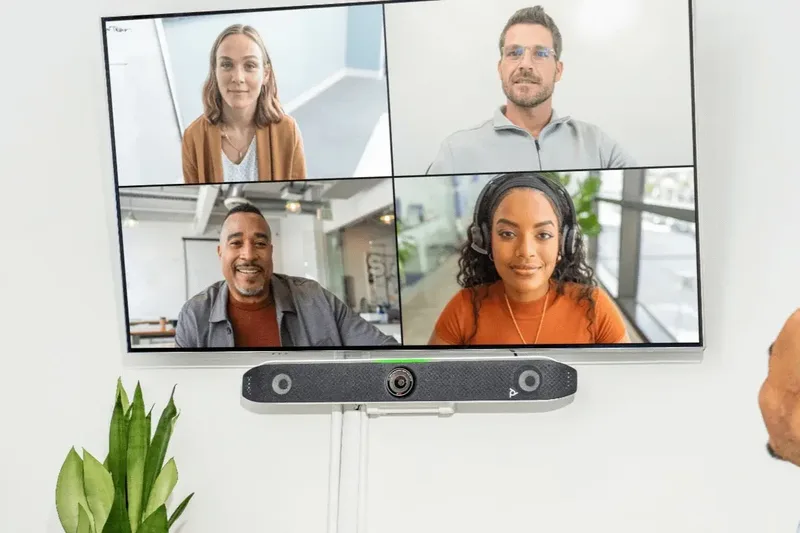 Poly / HP
Video conferencing system with automatic voice and video tracking for small and medium rooms.
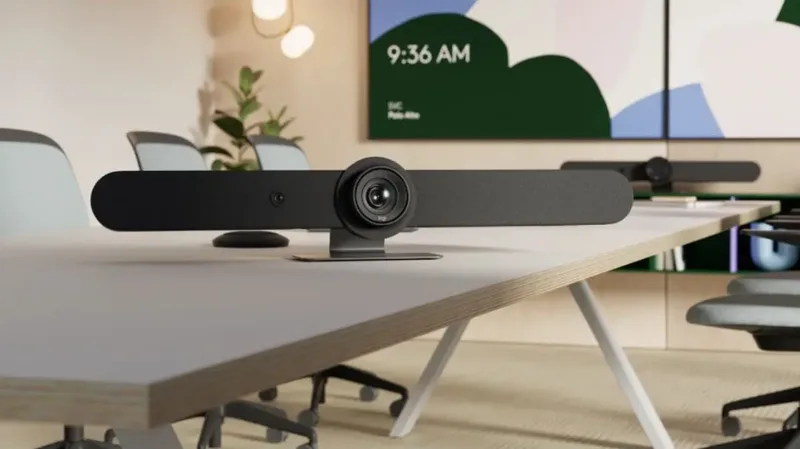 Logitech
Teams and Zoom certified bars with PTZ camera and audio coverage for rooms of all sizes.
Size, use type, typical number of participants, and presentation or recording needs.
Selection of microphones, camera, interface, and presentation method based on that specific space's actual use.
Hardware mounting, Microsoft 365 or Zoom configuration, audio and video testing, and user experience validation.
Tell us how you will use the space and we will guide you at no cost.
Cynersis provides clear information for technical teams, procurement areas, and management evaluating the investment and continuity.
Seeks native integration with Microsoft 365 or Zoom, a clear technical standard, and reduced reactive support burden for any type of space.
Needs meetings, training sessions, or critical events to work from the first try, with professional image and audio for clients, board members, or all staff.
Requires clarity of scope, equipment list, support modality, and comparison of alternatives before approving the investment.
Tell us what type of space you need: meeting room, training room, or auditorium, its approximate size, and main use. With that information we provide a technical proposal at no cost.
The Cynersis team will review the information and contact you within one business day to guide the solution according to your space.