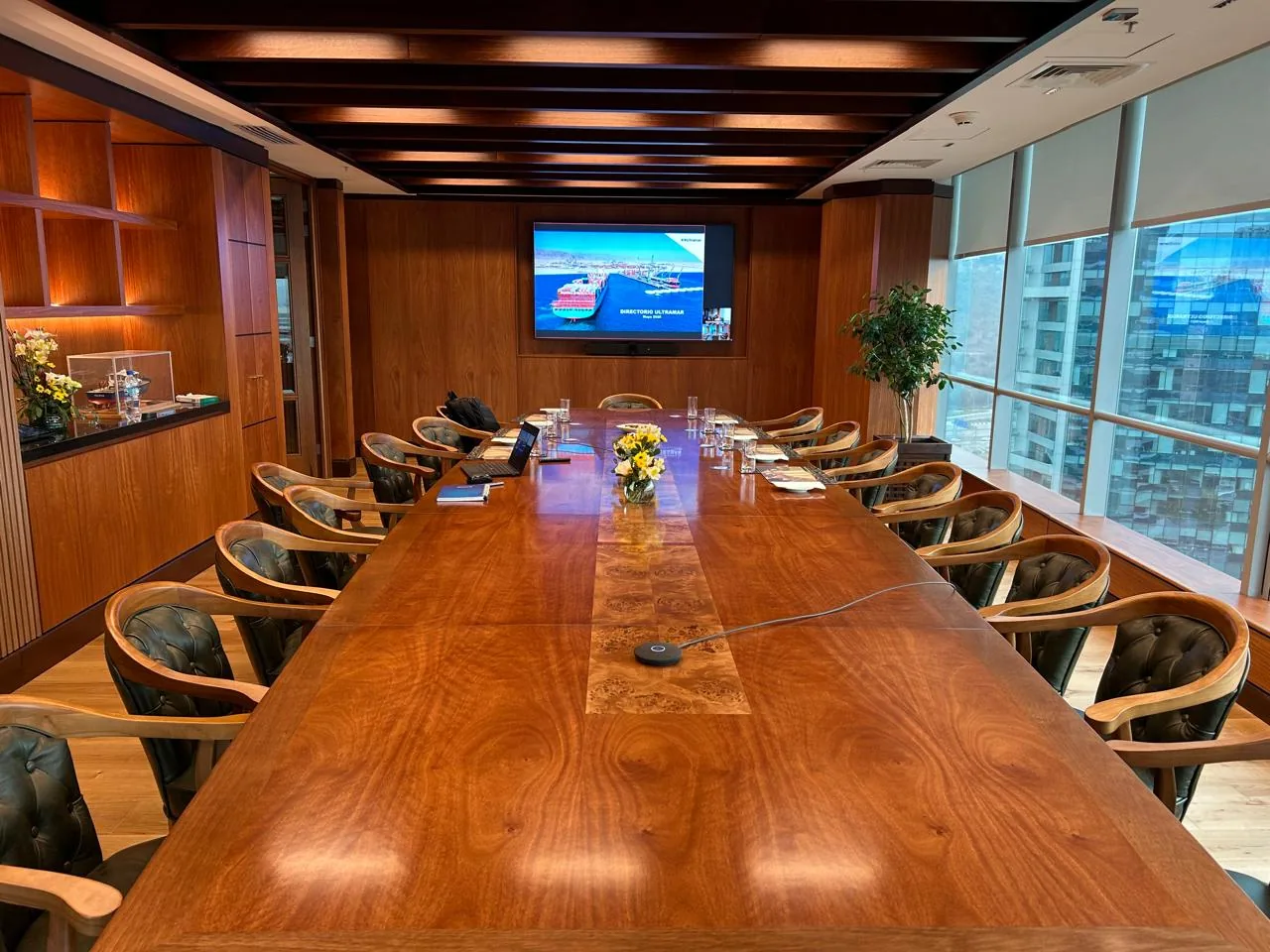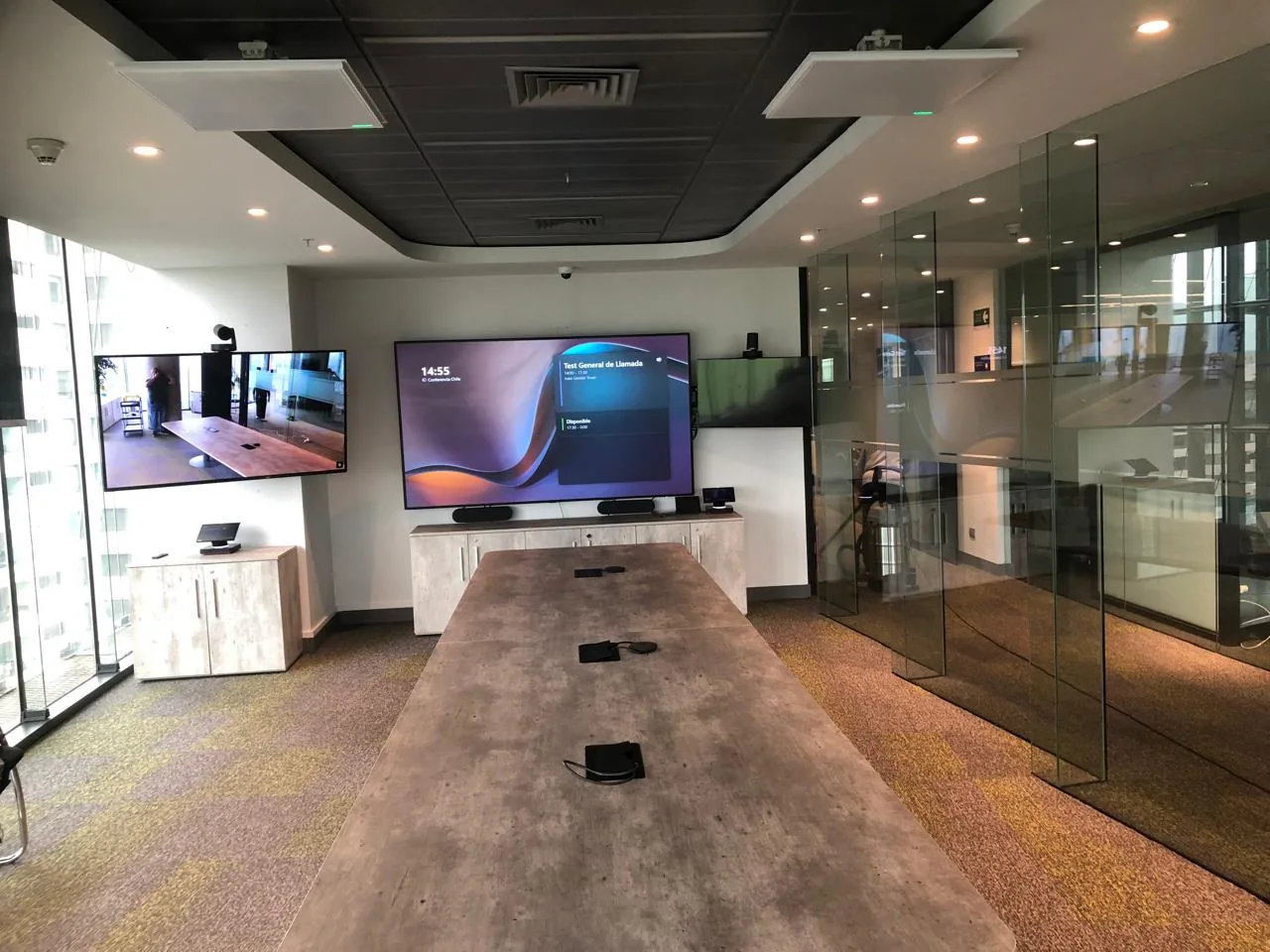
Audio that does not reach the entire audience
A table microphone does not cover a presenter moving across the stage, and a simple speaker system does not project clearly to the last rows.
An auditorium cannot be solved with the same logic as a meeting room: there is more than one camera, a different amplification system, and someone managing the room in real time from a control point.
Hybrid meetings in auditoriums fail for a different reason than a meeting room: a table microphone does not cover someone walking across the stage, a single camera cannot show the presenter and audience at the same time, and if no one controls the room live, camera changes and volume adjustments are left to whoever is closest to the equipment.
Companies that hold events, talks, or training sessions for large audiences and need the experience to work from the first minute.
A table microphone does not cover a presenter moving across the stage, and a simple speaker system does not project clearly to the last rows.
In an auditorium there are two different subjects to show: the presenter and the audience. A fixed camera can only frame one at a time.
Without a control room and an operator, camera changes, volume, and presentation are left to whoever is closest to the equipment during the event.
We evaluate the right configuration for the venue. No initial cost.
Still evaluating? Assess my company's IT maturity →
This is the technical sheet of an auditorium already designed and integrated by Cynersis. Every venue is different: the size of the stage, the distance to the last row, and the primary use determine the final configuration.
The 2 PTZ cameras allow switching between presenter and audience without cutting the stream. The acoustic mixing board of the amplification system adjusts sound according to the venue's occupancy, and the control room separates technical management from the stage, so the event does not depend on whoever is presenting.
The wireless multiplatform presentation allows different speakers to connect their own equipment without depending on a single format.
We assess your venue and recommend the appropriate configuration based on capacity and use.
The differentiator is not the hardware — any distributor sells that. It is the design criteria: choosing the configuration that matches the venue and the actual use.
Before recommending equipment, we assess the auditorium: capacity, distance between stage and last row, acoustics, and the type of events to be held. The technical configuration comes from that, not from the catalog.
The auditorium integrates on the same video conferencing platform as the rest of the rooms, enabling remote audience streaming with the same access logic.
29 years as a B2B technology integrator, ISO 9001 certification, and presence in Chile, Peru, and Brazil. The project does not end at delivery — we accompany adoption and provide ongoing support.
Video conferencing and presentation installations in large spaces — auditoriums, multipurpose rooms, and boardrooms with professional equipment.
We work with leading manufacturers in enterprise audiovisual and video conferencing — hardware certified for Microsoft Teams and Zoom Rooms.




 Yealink

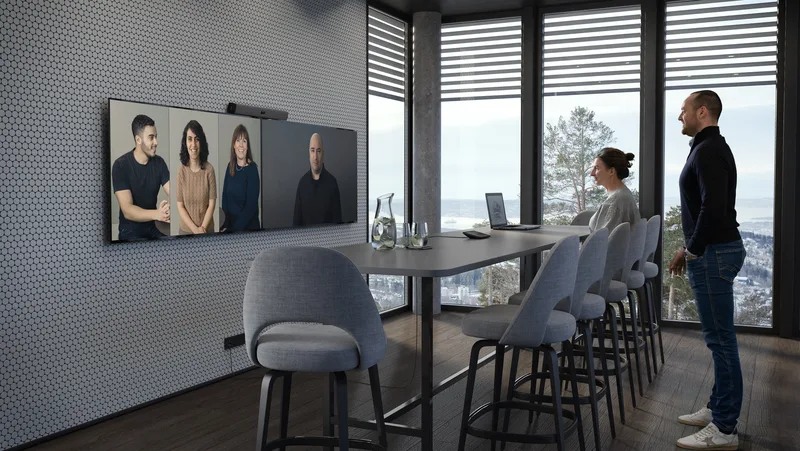 Neat
Neat
All-in-one bar with AI for medium-sized rooms. Compatible with Microsoft Teams and Zoom Rooms.
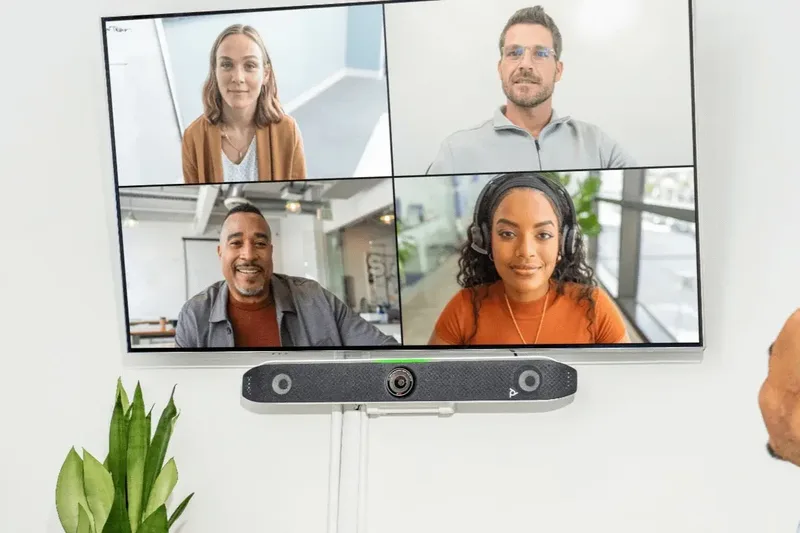 Poly / HP
Video conferencing system with automatic voice and video tracking for small and medium rooms.
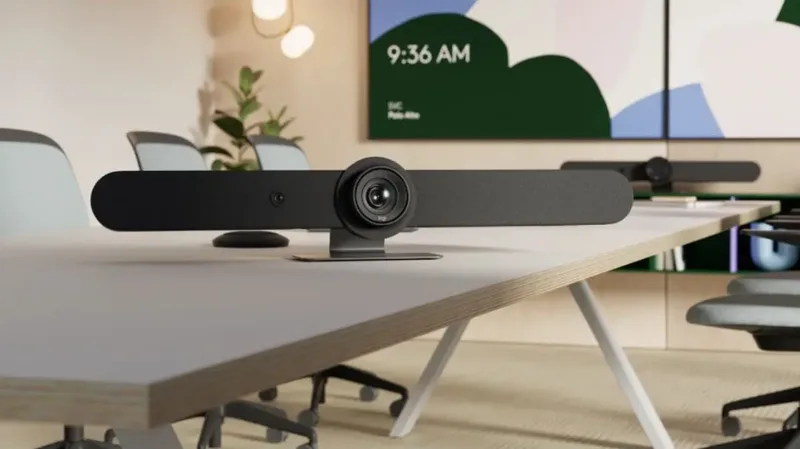 Logitech
Bars certified for Teams and Zoom with PTZ camera and audio coverage for rooms of all sizes.
Capacity, stage-to-audience distance, space acoustics, and the type of events to be held.
Selection of PTZ cameras, amplification system, control room, and presentation method based on actual use.
Hardware mounting, control room configuration, audio and video tests with the venue occupied, and user experience validation.
Tell us the capacity and type of events. We'll guide you at no cost.
Cynersis provides clear information for technical teams, procurement areas, and management evaluating the investment and continuity.
Seeks native integration with Microsoft 365 or Zoom, a clear technical standard, and lower reactive support burden during live events.
Needs events, assemblies, or critical talks to work from the first minute, with professional image and audio in front of large audiences or external directors.
Requires clarity of scope, equipment list, support modality, and comparison of alternatives before approving the investment.

























Indicate the venue capacity, whether there will be a presenter and audience simultaneously, and whether you need remote audience streaming. With that information we orient a technical proposal at no cost.
The Cynersis team will review your information and contact you within one business day to guide the solution based on your auditorium.