Audio that does not cover the full room
A microphone designed for a meeting table cannot cover a larger room with a facilitator moving among attendees.
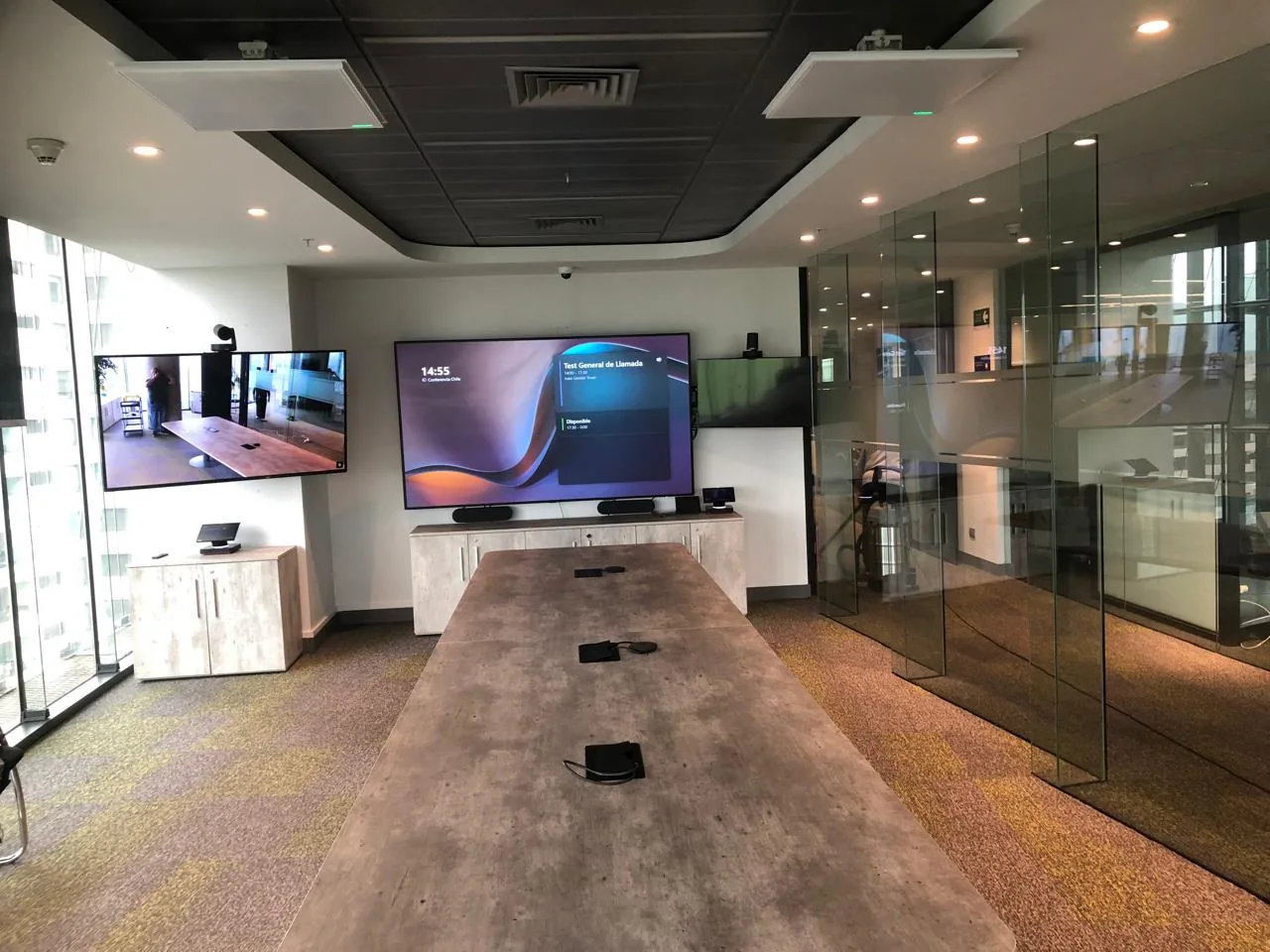
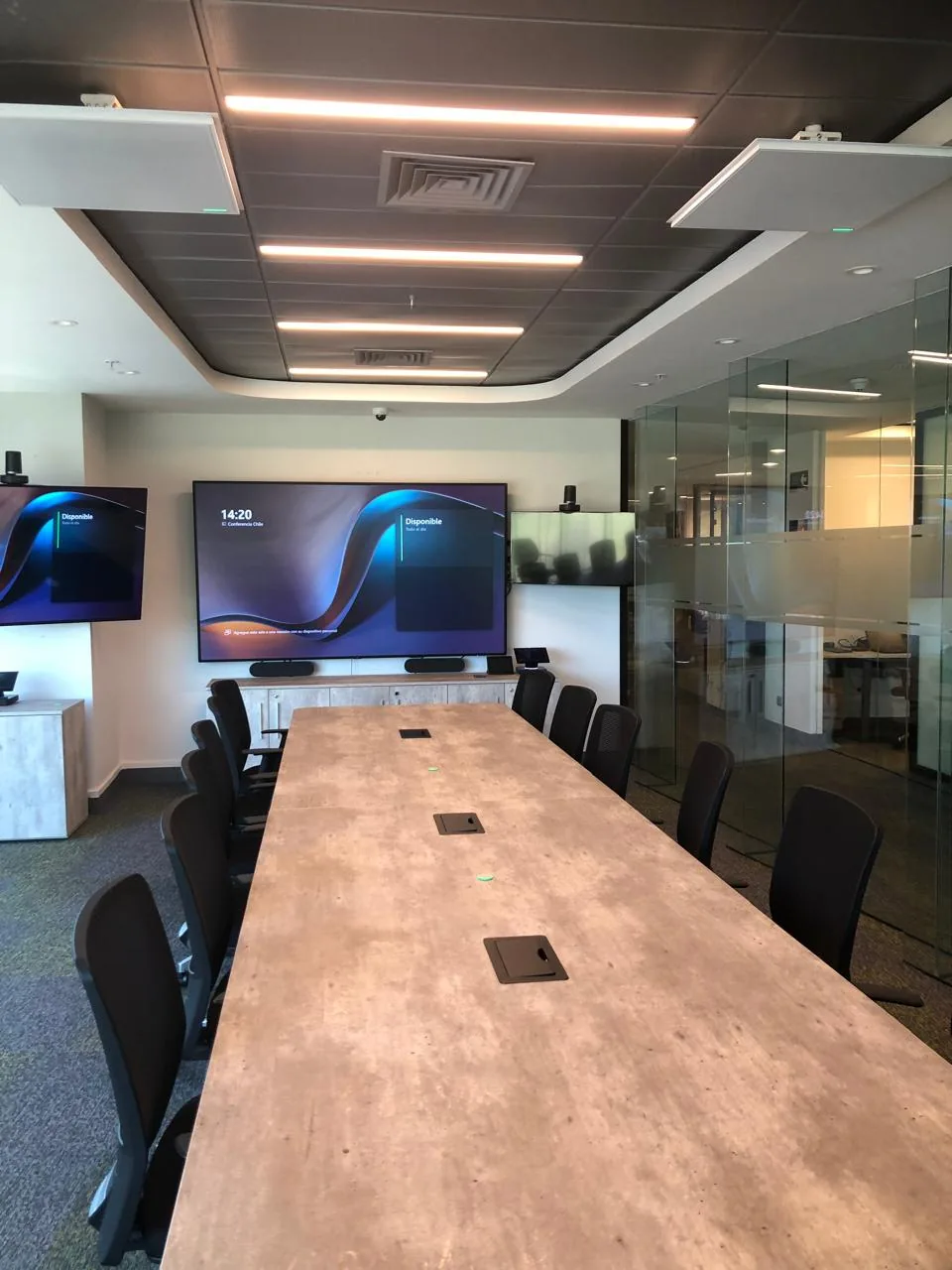
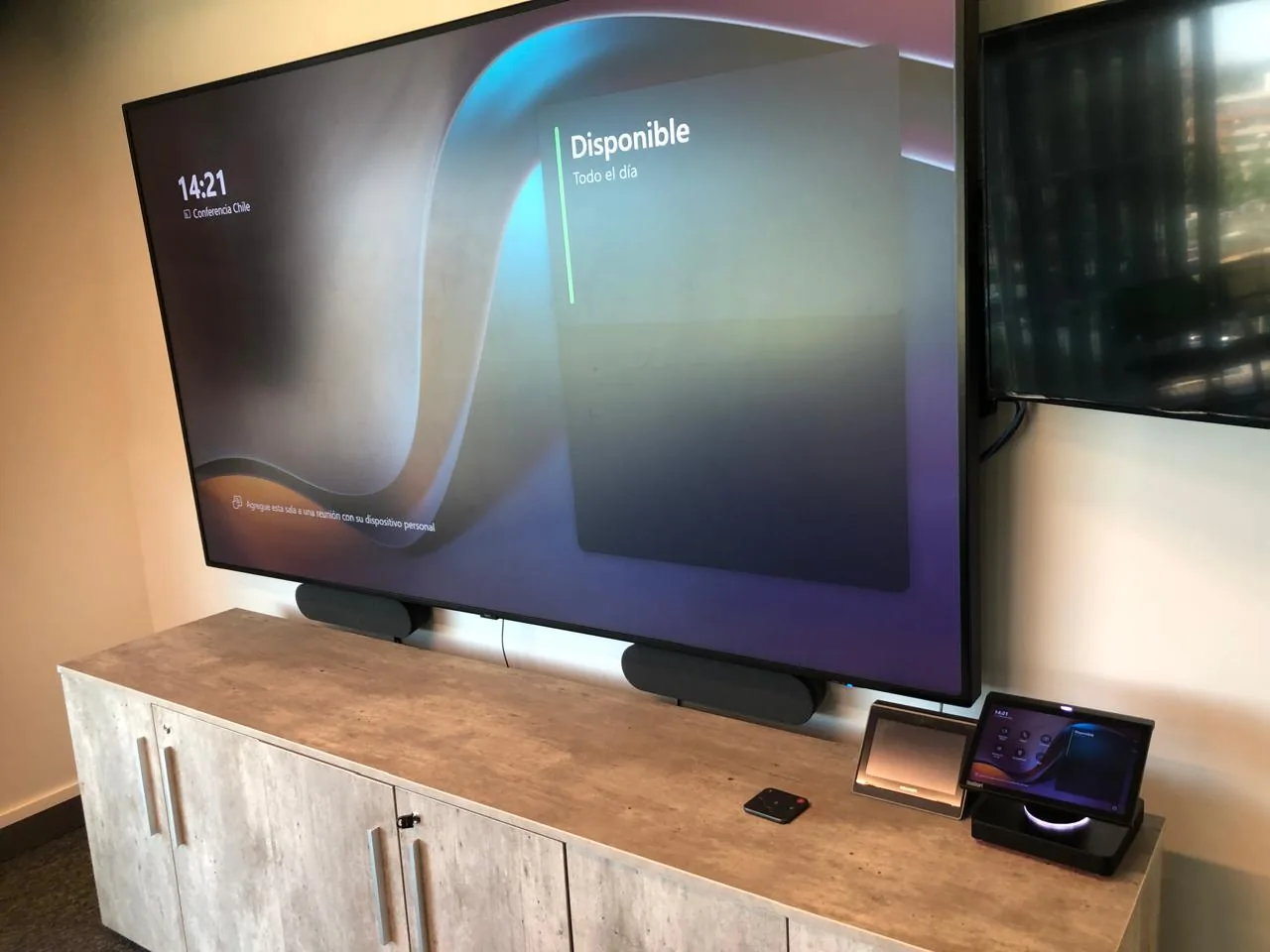
We design spaces for internal training, onboarding, and certifications, with group audio coverage, a camera that follows the facilitator, and when needed, session recording.
The facilitator moves around, the group is larger, and often the session needs to be recorded or streamed to another location. If the audio does not cover the entire room or the camera does not follow the facilitator, part of the group loses information without realizing it.
Companies that conduct internal training, onboarding, or certifications on a recurring basis and want the experience to be the same for the entire group.
A microphone designed for a meeting table cannot cover a larger room with a facilitator moving among attendees.
If the facilitator moves around the room, a fixed camera leaves them out of frame precisely when it is most important to see them.
When the session must be available for later review or reach another location, a room without that capability forces an improvised workaround.
We evaluate the right configuration for the group and the actual use of the space. No upfront cost.
Still evaluating? Assess my company's IT maturity →
Each training room is designed based on the group size and actual use. The final configuration is defined during the initial free assessment.
Room size, typical layout (rows, group tables, U-shape), number of attendees, and the distance between the facilitator and the farthest point.
Microphone selection based on the actual room size, not a meeting table, so the sound is the same from any point in the room.
When needed, a facilitator-tracking camera is evaluated along with the possibility of recording or streaming the session to another location using the same Teams or Zoom infrastructure.
The differentiator is not the hardware — any distributor sells that. It is design judgment: choosing the configuration that matches that specific group and its actual use.
Before recommending equipment, we evaluate how many people typically attend and how the facilitator moves during the session. The technical configuration comes from that.
The room is configured on the same video conferencing infrastructure as the rest of the company's spaces, with simple access for the facilitator.
29 years as a B2B technology integrator, ISO 9001 certification, and presence in Chile, Peru, and Brazil. The project does not end at delivery — we support adoption and ongoing assistance.
Training and conference spaces designed and integrated for companies and institutions — with professional audio, high-definition displays, and centralized control.
We work with the leading audiovisual and enterprise video conferencing manufacturers — hardware certified for Microsoft Teams and Zoom Rooms.




 Yealink

 Neat
Neat
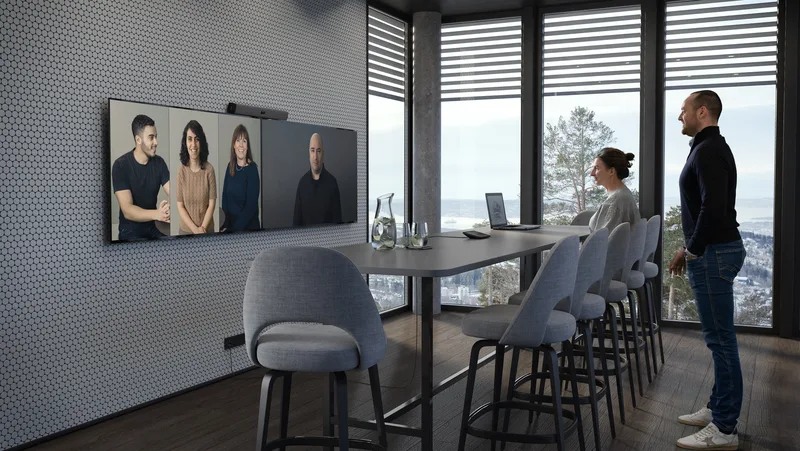
All-in-one AI bar for medium rooms. Compatible with Microsoft Teams and Zoom Rooms.
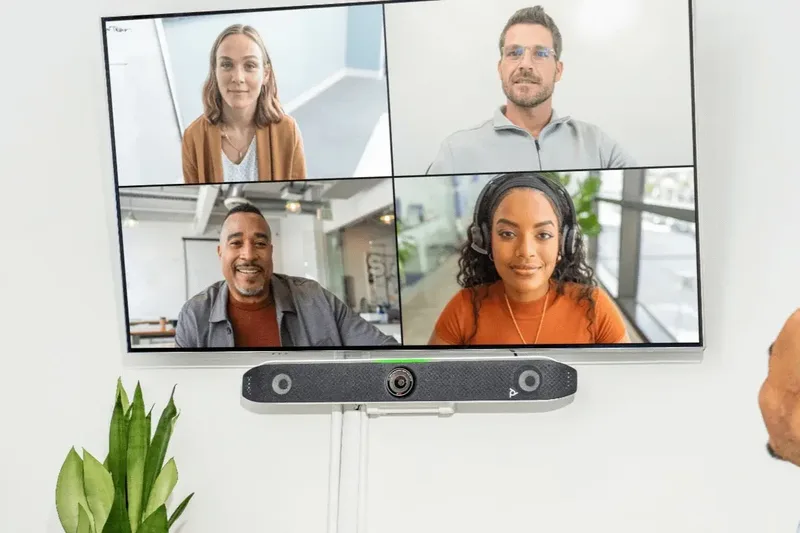 Poly / HP
Video conferencing system with automatic voice and video tracking for small and medium rooms.
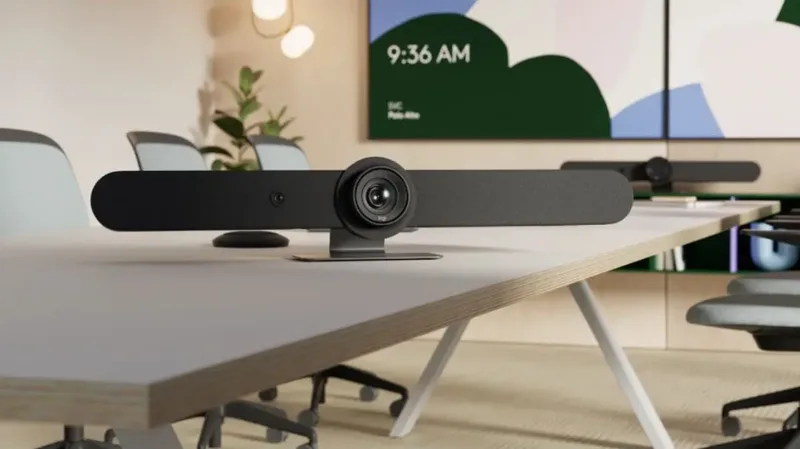 Logitech
Teams and Zoom certified bars with PTZ camera and audio coverage for rooms of all sizes.
Room size, typical layout, number of attendees, and whether the session is recorded or streamed to another location.
Selection of microphones, camera, and recording or streaming method based on that group's actual use.
Hardware mounting, Microsoft 365 or Zoom configuration, audio and video testing with the room occupied, and facilitator experience validation.
Tell us how you use the room. We guide you at no cost.
Example configuration for a group of up to 30 people. The room size, layout, and whether the session is recorded or streamed determine the final configuration, always starting from the initial assessment.
The extended-coverage microphone ensures the sound is the same from the first row and the last, regardless of whether the facilitator moves or stays at the front. This eliminates the most common problem in training rooms: attendees at the back missing part of the content.
The auto-tracking camera allows remote participants to always see the facilitator in frame, without anyone needing to manually operate the camera during the session.
Optional recording allows the session to be reused for onboarding new team members or for locations that could not connect live.
We evaluate the room and recommend the right configuration for the group and actual use.
Cynersis provides clear information for technical teams, procurement areas, and management evaluating the investment and continuity.
Seeks native integration with Microsoft 365 or Zoom, a clear technical standard, and reduced reactive support burden for high-use rooms.
Needs internal training and certifications to sound and look the same for the entire group, regardless of position in the room.
Requires clarity of scope, equipment list, support modality, and comparison of alternatives before approving the investment.

























Tell us how many people typically attend, whether the session is recorded or streamed, and whether the room is used only for training or also for meetings. With that information we provide a technical proposal at no cost.
The Cynersis team will review the information and contact you within one business day to guide the solution according to your room.